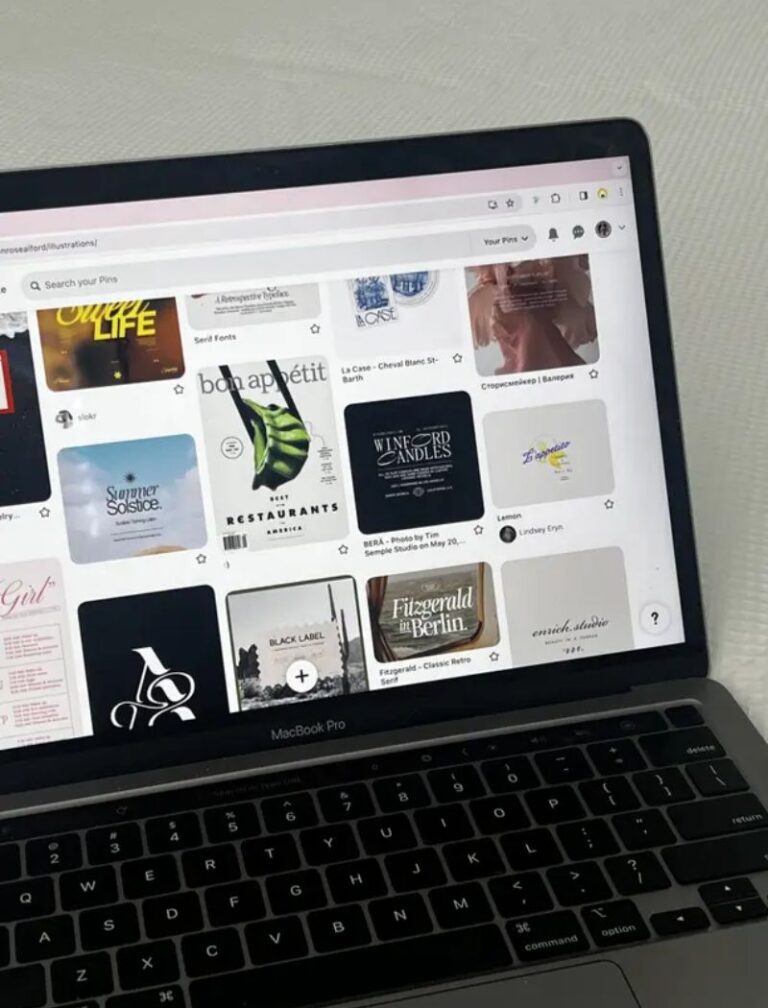

I’m pretty sure you’ve heard about “Pinterest marketing strategy.”
Did you immediately picture some elaborate content calendar, color-coded, forty tabs deep, requiring a whole weekend you don’t have (like I first did when I heard it too)?
Well, it’s not that complicated.
So instead of closing your browser tab and hoping your blog posts would just… find people somehow, let me show you my 10-minute Pinterest hack for daily traffic.
If you are keen on driving traffic to your website but don’t have the time for any extensive marketing that eats your weekend, this guide is for you.
All you need is 10 minutes.
Yup! Pinterest in 10 minutes a day, and that’s it.
Set a timer, and I promise you’ll be done before it goes off.
But—and this is important—those 10 minutes only work because of a little prep you do beforehand.
This pinning sprint works because you’re not building anything from scratch at the moment. You’re just executing something you already set up.
So let’s get the setup right first, then get into the sprint.
Pre-Sprint Checklist: Things to Do Before the Sprint
Before you set your timer and start pinning, a little prep work up front makes your actual sprint faster and far more effective.
Here’s what to knock out ahead of time:
1. Create Your Pins in Batches
Build two or three solid pin templates in Canva once—clear fonts and good layouts.
When you want a new pin, you open the template, hit edit, swap the title and maybe the image, and you’re done. Instead of designing, you’re just filling in blanks. And that saves you so much time.
While Canva is the easiest place to design your pin templates. I must say, it’s still a little bit of a time-suck, especially if you’re batch-creating.
If you want to move even faster, an AI pin creation tool can generate pin designs for you. For this, I recommend PinPress.
You feed it your blog post title (or the core topic), and it generates fully designed, on-brand pins for you—fonts, layout, and colors, all handled—in literal seconds.
If you’ve got a real traffic goal and limited hours in the day, outsourcing the pin generation to an AI tool means you can pump out more pins, more consistently, in less time.
Either way, the goal is the same: have a folder of ready-to-go pins waiting for you before your sprint even starts.
2. Do Some Research
Pinterest is a search engine, which means keywords matter just as much here as they do for the SEO blog posts you’re optimizing for Google Search.
So, before you write your pin title or description, spend a few minutes figuring out what people search on the platform.
This way you know what terms to optimize your pins for.
3. Write Titles and Descriptions for Each Pin
Once you have your keywords, write out a title and description for every pin in your batch.
This is the step that tends to eat up the most time—which is exactly why I don’t do it manually anymore.
I use ChatGPT to speed this whole process up. I feed it my post title, and it generates several alternative Pinterest-friendly titles and description options in seconds.
Here’s the exact prompt I use:
“Write 5 alternative pin titles under 100 characters that are keyword-rich, curiosity-driven, and optimized for Pinterest SEO, and matching pin descriptions for each title (about 200-500 characters) that naturally include relevant keywords and end with a call to action to click through and read more.”
Feel free to steal that prompt and tweak it to fit your own niche and voice. It turns a 30-minute writing task into a 2-minute copy-paste job.
(You can swipe more of the first-grade AI prompts that have simplified my content workflow and allow my work schedule to span only 25 hours a week.)
If you want a place to plan all of this out before your sprint, my content calendar template has a dedicated Pinterest tab where you can lay out your pin titles, descriptions, keywords, and links so your whole plan is visible at a glance.
Once your pins are designed, your keywords are researched, and your titles and descriptions are written, you’re ready for the sprint.
The 10-Minute Pinning Sprint
This is where the magic happens, and it really does only take 10 minutes once your prep work is done.
Set a timer for 10 minutes and pin. Here’s the step-by-step:
- Go to Pinterest and click to add a new pin.
- Choose a pin image from the batch you already created.
- Add your SEO-optimized title and description (the ones you prepped in advance).
- Add a link to your blog content or landing page.
- Add the pin to the most relevant board you have.
- Add relevant tags and your alt text.
- Pin it.
That’s it. Seven quick steps, and because you’ve already done the heavy lifting—the design, the keyword research, the pin writeup—this part moves fast.
You’re not creating anything new in the moment. You’re just assembling pieces you’ve already prepped and hitting publish.
Repeat this sprint a few times a week, and you’ll be shocked at how much Pinterest traffic compounds over time without ever feeling like a second job.
An Extra Tip to Make This Even Easier
To make your sprint even more efficient, you can batch schedule your pins instead of publishing them all in real time.
Right in Pinterest’s native scheduler—just below the “add tags” feature—there’s an option to set a date and schedule your pin in advance.
This means you can knock out a whole week’s worth of pins in a single 10-minute sprint, schedule them to go out on different days, and free yourself up completely for the rest of the week.
One important note: don’t schedule out further than two weeks.
It’s tempting to want to “set it and forget it” for a month or two at a time, but Pinterest is constantly telling you what’s working through your metrics—and you want to actually be listening.
Your analytics will show you things like:
- Which pins are getting more eyeballs
- Which topic formats are driving engagement
- Which specific posts people are actually reading and clicking through to
If you schedule a month or two out blindly, you lose the chance to respond to that data in real time.
You might keep pushing out a pin style that’s underperforming simply because you already had it queued up or miss capitalizing on a topic that’s clearly resonating because your calendar is already full.
Two weeks gives you enough runway to get ahead of things—you’re never scrambling to post something last minute—without going so far out that you’re ignoring what your own results are telling you to double down on. It’s the sweet spot between consistency and flexibility.
Ready to Take the Next Step?
Pinterest can be a key traffic generator for your business too. You can channel your traffic into subscribers, dream clients, and actual sales. And I created a Pinterest Funnel Checklist to help you make the most of this.
If you want a personalized Pinterest strategy mapped out for you so you can take advantage of Pinterest to the fullest, book a strategy session.
And if you enjoyed reading this post, then you’ll love my marketing newsletter even more. It’s where I share actual tips on how to market your business in a feel-good way.